
You can customize NABD
to display your logo on the top right of NABD
application header. We recommend you use a high resolution
graphic (images are automatically re sized to 16 pixels).
To
upload your client logo:
From your left main menu, select
Admin.
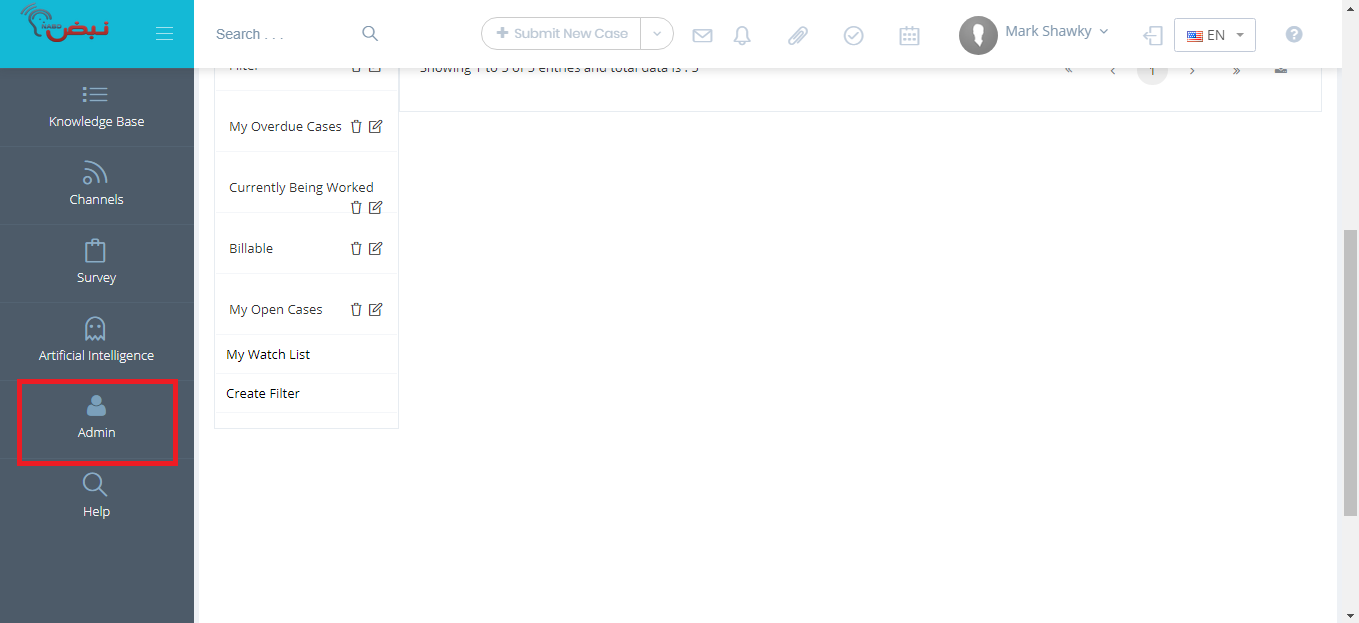
From Admin
page ,within Configuration
section.
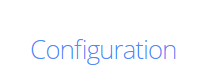
From the Configuration section, Global settings.
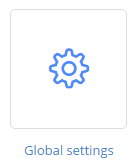
On
the Global settings page:
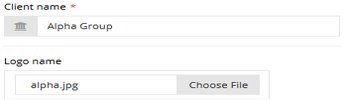
In the Logo name field, click the Open
icon to browse for your logo file (.png files are preferred).
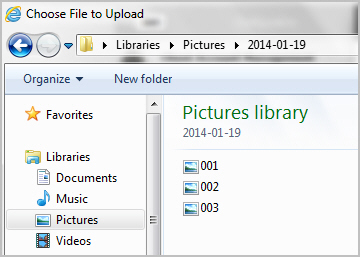
Click Open
 to upload your logo file.
When
you're done, click Save.